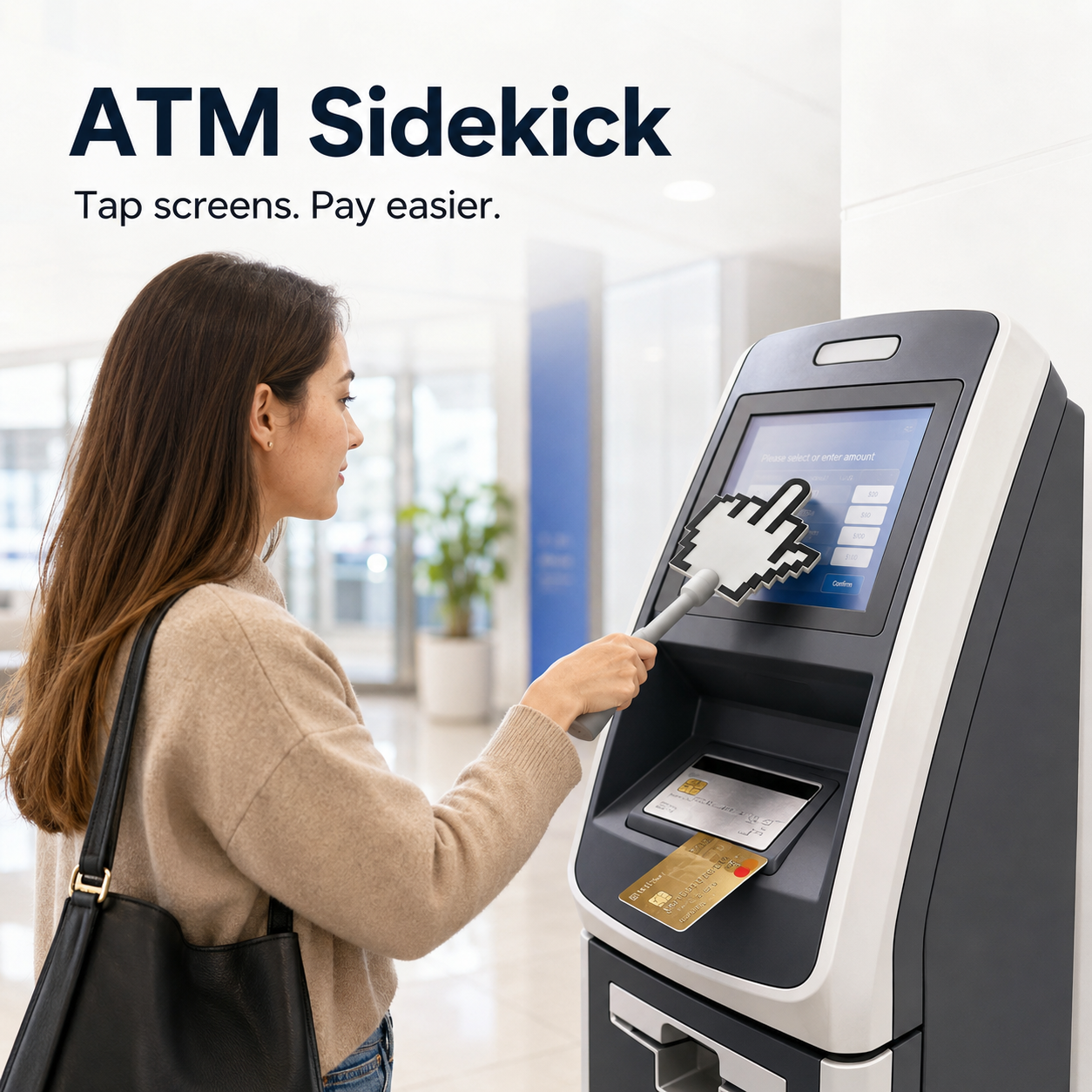
3D-printed payment wand that supports bank credit card swiping and “tap-to-pay,” as well as NFC contactless payments without a PIN
3D-printed payment wand that supports bank credit card swiping and “tap-to-pay,” as well as NFC contactless payments without a PIN
Free Shipping $59.99+
Couldn't load pickup availability
-
Ordered
- - -
Order Ready
- - -
Delivered

3D-printed payment wand that supports bank credit card swiping and “tap-to-pay,” as well as NFC contactless payments without a PIN
Touchless • Portable • Practical
Press Public Screens Without Touching Them Directly
A simple no-touch pointer tool for ATMs, elevators, payment terminals, kiosks, vending machines, and other shared public touch surfaces.

👉 No Direct Finger Contact
Use the pointer end to press public buttons and touchscreens without using your bare fingers.
🏧 Perfect for Public Machines
Ideal for ATMs, self-checkout screens, ticket machines, elevators, vending machines, and payment terminals.
👜 Easy to Carry Daily
Lightweight and practical for your bag, car, office drawer, travel pouch, or everyday carry kit.

Public Screens Are Used by Countless People Every Day
ATMs, elevator buttons, checkout terminals, and kiosks are touched repeatedly throughout the day. If you prefer not to press them directly with your fingers, this tool gives you a simple and more comfortable alternative.
Just hold the handle and use the pointer tip to tap, press, or select. It helps keep your hands away from high-contact public surfaces during daily errands.

Why Customers Love It
Designed for people who want a cleaner way to interact with shared public screens and buttons.
The extended handle helps keep your hand away from public touch surfaces while still making it easy to press.
The pixel-style pointer hand shape is eye-catching, recognizable, and easy to use.
Useful for shopping, banking, commuting, traveling, office buildings, apartments, and public places.

Use It in Everyday Public Places

How to Use
- Hold the handle comfortably in your hand.
- Point the cursor tip toward the screen, button, or keypad.
- Press or tap gently to complete your selection.
- Store it after use in your bag, car, drawer, or everyday carry kit.

Product Details

Shop With Confidence
Carefully packed and shipped directly to your door.
Safe and simple payment for every order.
Small, useful, and easy to keep nearby for daily public use.
Need help? Our support team is here for you.
Make Public Touchscreens Easier to Use
Keep this no-touch pointer tool with you and enjoy a cleaner, more comfortable way to press shared screens and buttons.